MAROJA KŌEN
POS Software Features and Integration with Ordering System
Food Expiry Alarm and Built-In Automated Meal Recommendation, Reducing Food Wastage
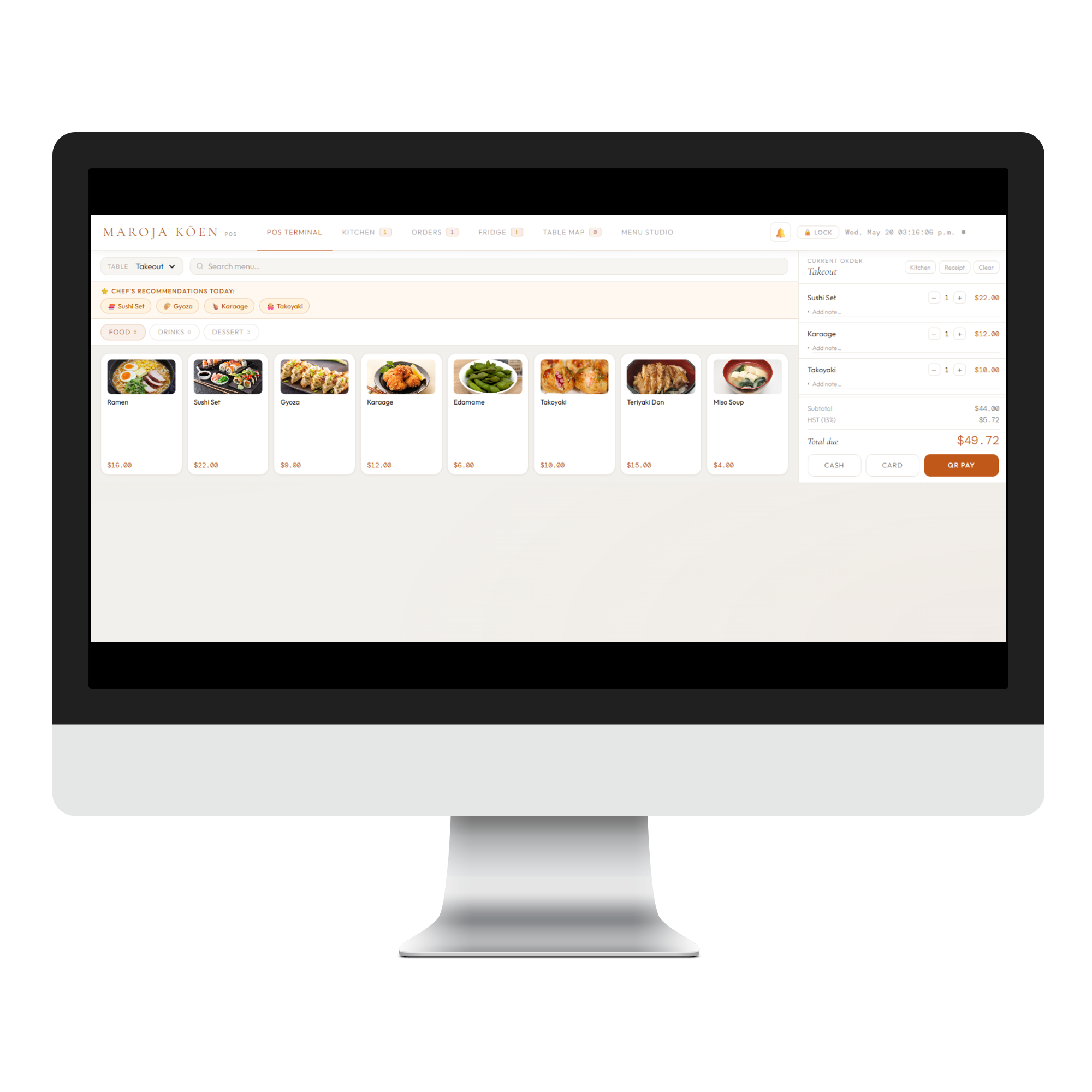
Assigning Orders By Table Number and From Table Map Manifest
Direct Payment Processing With Any Third Party Payment Transaction Provider of Choice
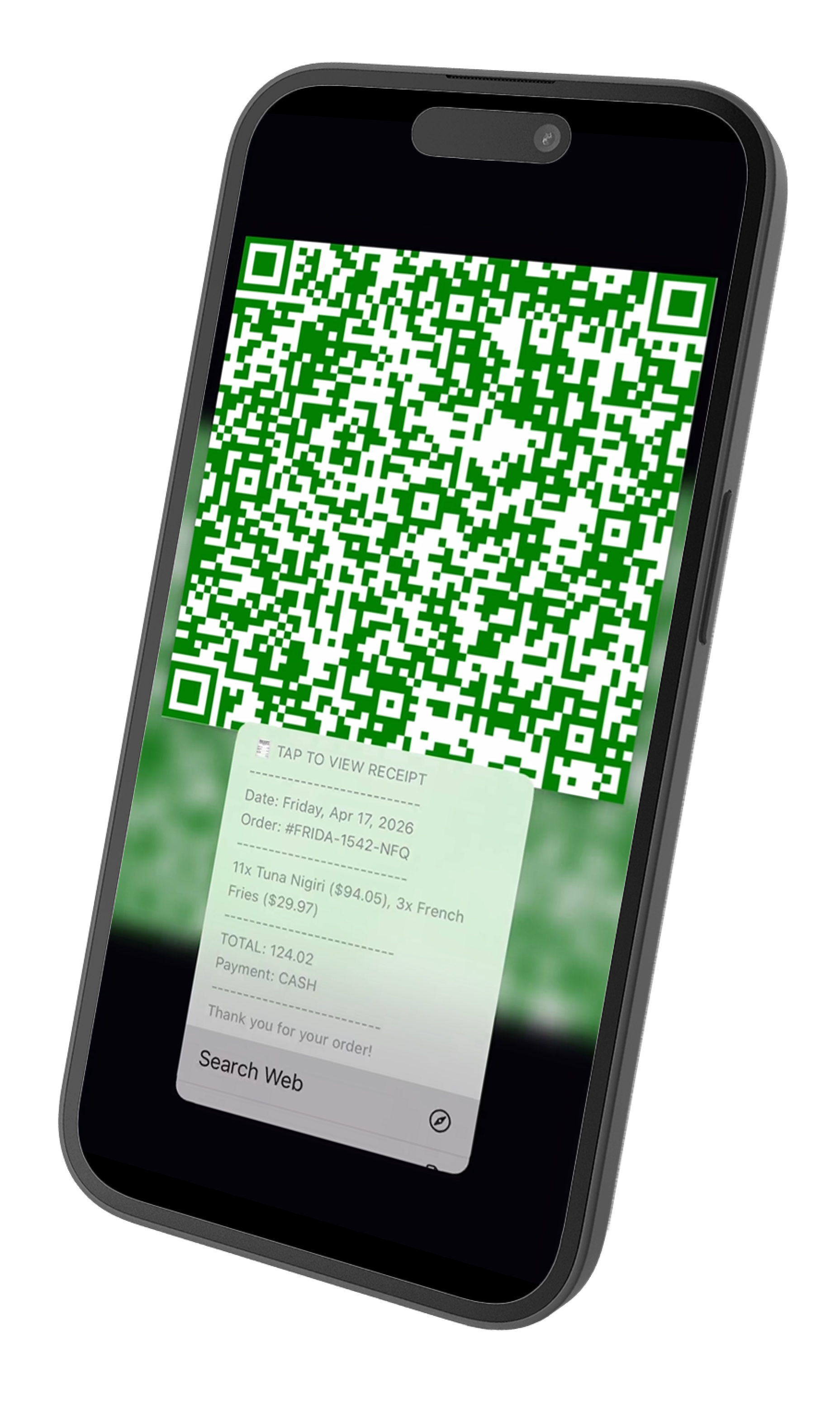
QR Code Digital Receipts
Real-time Staff & Inventory Management
Customizable Menu Items with Allergy, Ingredients, and Pricing Details
Customizable Delivery Integrations and Payment Link (Generates Payment QR Code)
Receives Orders From Customer Mobile Self-Service Kiosk or MAROJAi Seamlessly Into the POS System
Downtime Failover System for Re-syncing of Data
Available as Installable App and Software on Any Device (PCs and Tablets)
Japanese Health Standard Mobile Self-Service Kiosk
Restaurant Menu with Additional Details Regarding Allergy and Specific Dietary Restrictions
Additional Requests are Typable (Ex. Remove Meat, etc)
Simple Touch and Add To Cart Customer Interface with Multilingual Capability
Portion Size Customizable (Reduces Food Wastage)
Diabetic and Health Guide Modes (Promotes Inclusivity and Health Conciousness)
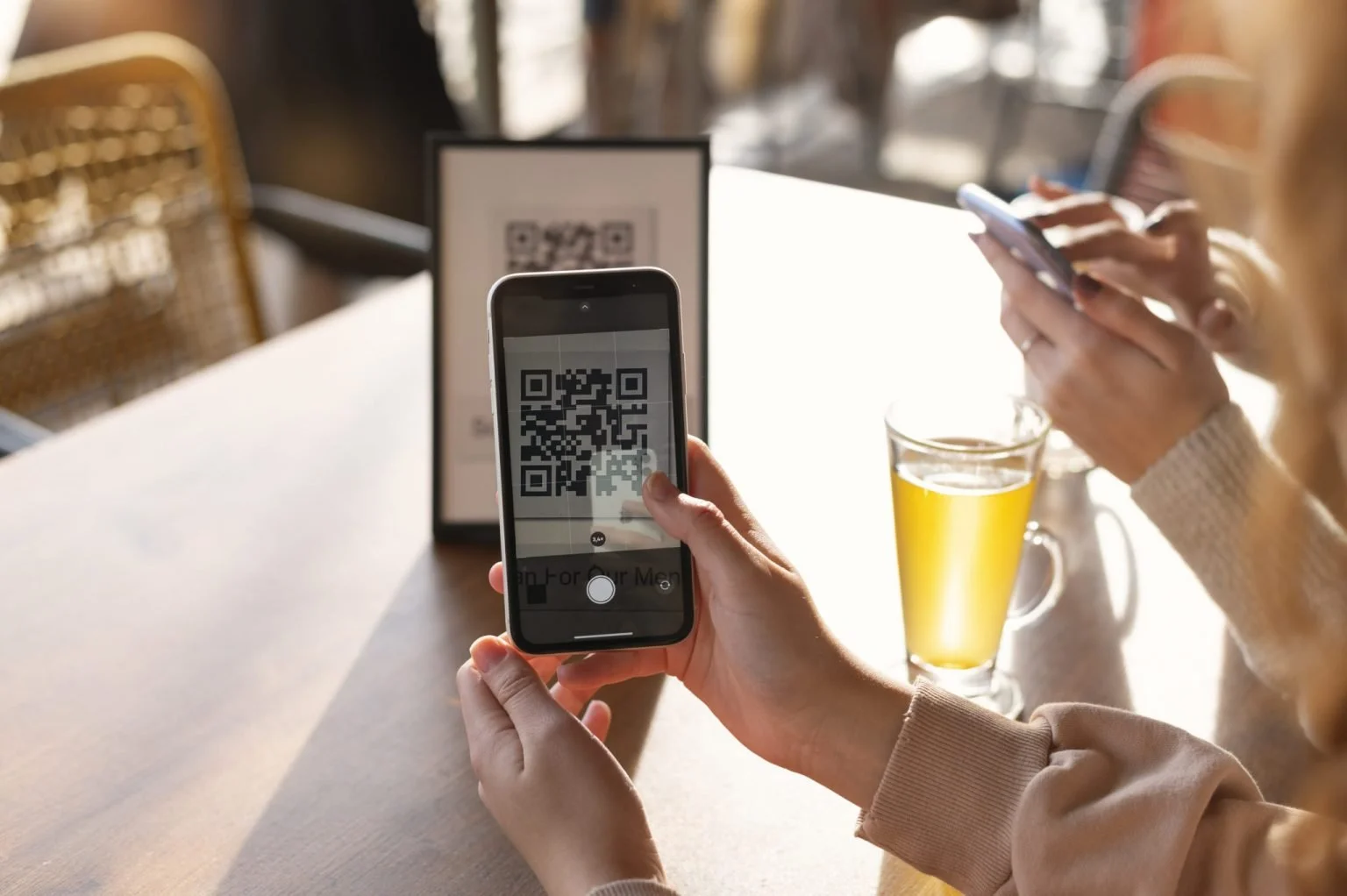
No Required Installations But Installable On Any Device, Opens From QR Code/Direct Link
Business Analysis Platform
Real-time Revenue and Profit Tracking
Sales Patterns By Food Item (Daily, Weekly, Monthly, Yearly)
Automated Payroll Calculation with Customizable Country Specific Tax Settings
Sales, Revenue, and Profit Forecasting
Installable App on Any Device - Also Accessible From QR Code or From Direct Link
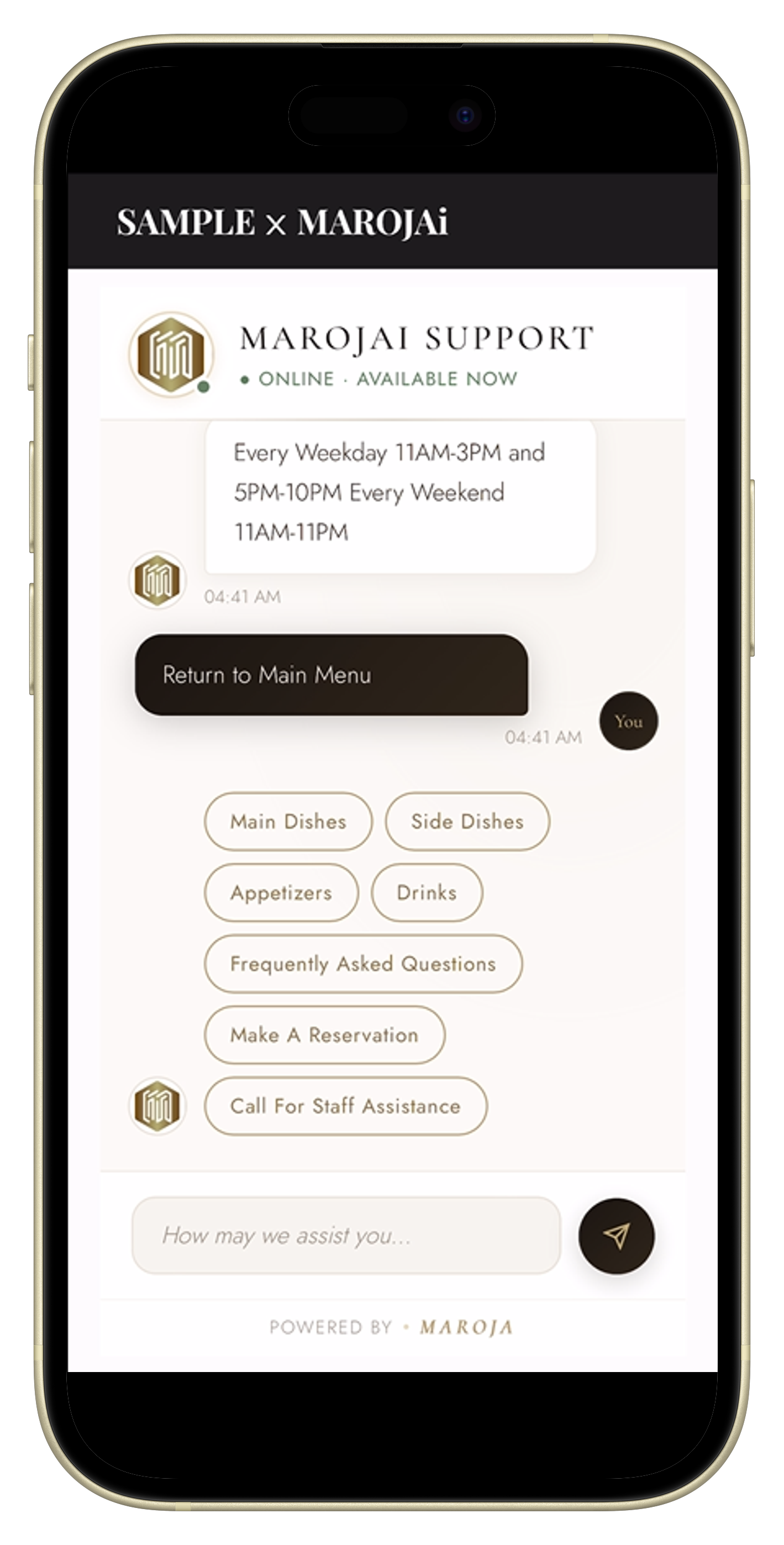
Advanced AI Agent Powered Mobile Chat-Style Ordering Features of MAROJAi
Self-Service Mobile Ordering Without App Installation
Customers can place orders themselves using a QR code, resulting in a smoother service.
Ask MAROJAi Questions Without Having To Wait For Staff
MAROJAi answers to any question regarding the restaurant without the need of restaurant staff
Multilingual Support
Supporting English, Bangla, Dutch, French, Hindi, Japanese, Spanish
Call Restaurant Staff Assistance Seamlessly
MAROJAi has a button to call restaurant assistance to their particular table when sitting at the restaurant. This sets off an alarm that is in-built in to the MAROJA KŌEN POS software.
Easy Self Payment with MAROJAi
MAROJAi generates color coded QR Code Confirmations upon payment completion on customer phones, based on card payment, cash payment, or paying after meal.
QR Code Receipts of Payment
The QR Code generated after the payment is an accurately formated digital receipt that can easily be saved on any device for easy, eco-friendly, and convenient viewing of their order receipt.